Python / Jupyter library
structile is a thin Python package that renders the same viewer
wherever you're running — an inline Jupyter widget, a browser tab, a
written HTML file, or a terminal summary — depending on which renderer
is active. It has no rendering logic of its own: every renderer either
drives an embedded-mode protocol or reuses the same standalone viewer page
described in the standalone viewer guide.
Install
Add pip install "structile[numpy]" if you also want numpy scalar
support and don't already have numpy. pip install "structile[convert]"
(pulls in mini-racer, a prebuilt V8 engine — no Node.js needed) is only
required for structile.convert()'s interpreter-backed paths (its
JSON/Python-repr/CSV ones are pure Python) and for resolving an
interpreter's parsed value directly from Python; everyday
open()/diff() calls with an interpreter never need it, since those
always run the interpreter client-side in the browser instead.
Basic use
import structile as st

st.open({"a": 1, "nested": {"b": 2, "tags": ["x", "y"]}})   # a literal value
st.open("results.json")                                     # or load a file by path
Call it as the last expression in a notebook cell (or wrap it in
IPython.display.display(...)) to render it. It always returns a
RenderHandle.
obj can be any mix of dict, list, tuple, set/frozenset, None,
bool, int (any size — big integers are kept exact end-to-end, never
rounded), float, str, and numpy scalars (if numpy is installed). A
pathlib.Path, or a plain str that happens to name an existing file, is
read from disk and parsed instead of shown as a literal value.
Anything else raises TypeError by default — pass default= to handle
it, the same escape hatch json.dumps(..., default=...) uses:
Renderers
open() renders through whichever renderer is active, matplotlib-backend
style (matplotlib.use(...) <-> structile.use(...)):
| Renderer | What it does | Auto-selected when |
|---|---|---|
widget |
Inline, editable Jupyter widget. | A notebook kernel with a rich frontend — Jupyter classic/lab, VS Code notebooks, Colab. |
browser |
Writes one self-contained HTML file and opens it in a browser tab — the standalone viewer, with full editing/undo/search/Save. | Outside a notebook, with a display available. |
file |
Same HTML as browser, but just writes it and returns the path — never opens a tab. |
Headless (no display, SSH session, or webbrowser.open() fails). |
none |
Renders nothing. | CI or PYTEST_CURRENT_TEST is set. |
text |
A compact terminal summary. | Never auto-selected — opt in with renderer="text". |
st.open(my_data, renderer="browser")   # force it, this call only
st.use("file")                         # module default, matplotlib.use()-style
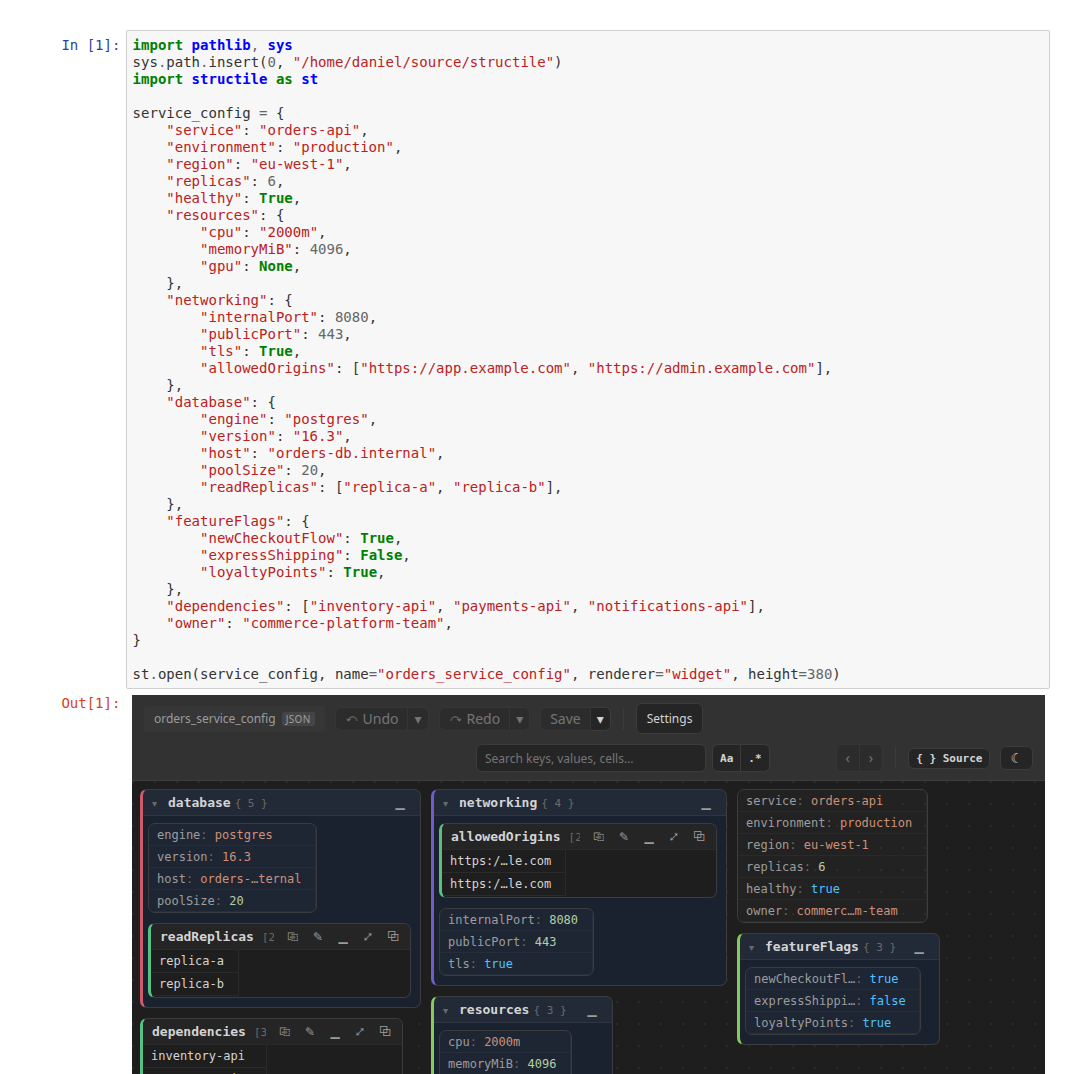
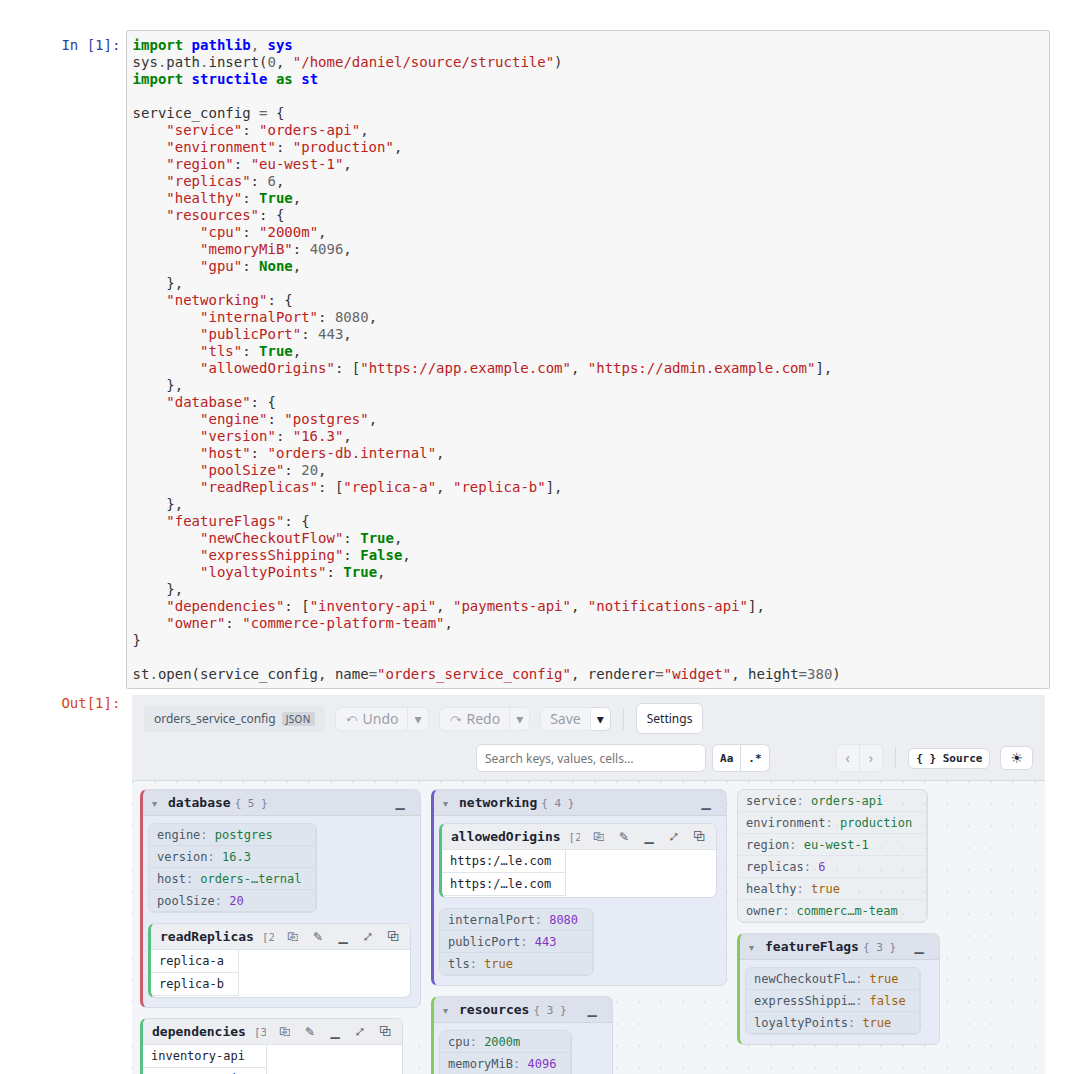 Hover for the other theme
out= writes the standalone HTML somewhere specific; auto_open=False
stops the browser renderer from opening a tab:
st.open(my_data, out="snapshot.html")                    # write only, don't open
st.open(my_data, renderer="browser", auto_open=False)     # write, don't open
Every call returns a RenderHandle:
h = st.open(my_data)
h.path        # where the standalone HTML was last written, or None
h.value       # the displayed value — live (updates on Save) for `widget`
h.open()      # open a browser tab
h.to_html()   # the standalone HTML as a string
h.save(path)  # write that HTML to `path`
Command line
python -m structile data.json
python -m structile data.xml --interpreter path/to/interpreter.js
python -m structile data.json --renderer file --out snapshot.html
Same renderer resolution as calling open() from a script.
Editing and saving back to Python
The widget renderer is read-write: edit inline, then Save (or
Ctrl+S) sends the edited content back to Python instead of downloading it.
h = st.open("results.json")             # loaded from a path: Save writes back to it
h = st.open(my_data, path="out.json")   # in-memory obj: Save writes to out.json
h = st.open(my_data)                    # in-memory, no path: Save only updates h.value
h.value holds the last-saved (parsed) value, updated on every save.
Nothing syncs live per-keystroke — only an explicit Save commits.
Gotcha: editing never mutates the object you passed in — st.open(my_dict)
normalizes it into a separate structure the widget owns. Read h.value
after saving to get the edited result.
Custom formats via an interpreter
Pass interpreter= — a path to a .js file, raw JS source, or a list of
candidates tried in order — to hand the viewer raw text instead of a
Python value, parsed (and, on save, serialized back) client-side:
st.open("config.xml", interpreter="path/to/generic_xml.js")

st.register_interpreter(".xml", "path/to/generic_xml.js")
st.open("config.xml")   # auto-selected from the registry, no interpreter= needed
See Writing and distributing interpreters for the
full contract and how to package one up so a colleague never has to think
about it at all. Unsure which combination of obj/format=/interpreter=
applies to your case? See
Choosing obj, format, interpreter.
Comparing two files (structile.diff)
left/right each accept anything open()'s obj does. interpreter=/
format=/name= each accept a single value (applied to both sides) or a
(left, right) tuple, so the two sides can even be different,
mutually-incompatible schemas, each resolved through its own interpreter:
st.diff(
    "schema_a.xml", "schema_b.xml",
    interpreter=("generic_xml.js", "tagged_xml.js"),
    format="xml",
)
renderer=/out=/auto_open= work the same as open()'s. view=
("unified"/"split") matches the standalone viewer's own header
buttons. renderer="widget" renders an inline two-sided diff widget in
Jupyter; each side's source pane can be independently edited and saved —
h.left_value/h.right_value read through to the live widget, updated on
that side's own Save.
Converting between formats
import structile as st

st.convert("data.json", "python")   # -> Python-repr text
st.convert("data.py", "json")       # -> JSON text
st.convert("data.csv", "json")      # -> JSON text (tabs work too, from the content)
st.convert("rows.json", "tsv")      # -> the same table, tab-separated
st.convert("data.xml", "json", interpreter="generic_xml.js")
The built-in formats — "json", "python", and "csv"/"tsv" — convert
between each other with no extra dependency. Anything else needs the
optional mini-racer package (pip install "structile[convert]") — a
real embedded V8 engine, no Node.js/npm/system install needed.
Configuring the viewer
import structile as st

st.set_option("theme", "dark")       # module-level default, applies to every call after this
st.get_option("theme")               # read a module-level default back
st.reset_option("theme")             # unset it again

st.open(my_data, gap=8, theme="dark")   # per-call override
The same mechanism reaches display overrides for special values:
st.open(my_data, forNull="N/A")                       # None -> "N/A" everywhere
st.open(my_data, forEmpty="(blank)")                   # "" -> "(blank)"
Logging
structile emits to logging.getLogger("structile") — DEBUG for internal
decisions (which renderer/interpreter was picked and why), INFO for real
actions (a file written, a browser tab opened), WARNING for recoverable
hiccups. It never configures handlers/levels itself.
Current limitations
- Fixed iframe height (
height=, default600) — no auto-resize to content yet. - Plain numpy arrays aren't handled (only numpy scalars) — call
.tolist()first if you need to show one. browser/file/none/textrenders are one-way — there's no channel back to Python, soh.valuefor those stays whatever was originally rendered.